Watercolor tattoo ideas
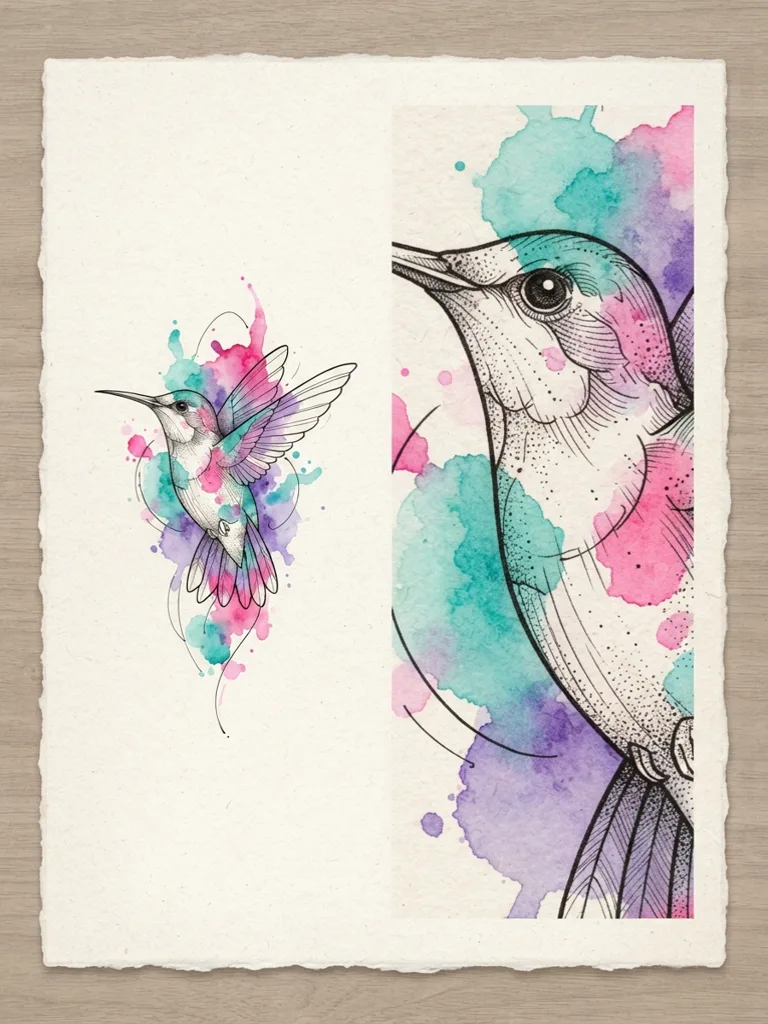
Watercolor-inspired designs suggest diluted pigment, soft edges and overlapping color washes. The interest comes from the relationship between a recognizable subject and looser color around it. A digital wash is a visual reference, not a literal prediction of how ink will look on skin.
Create in this stylePlan the composition
Choose a small palette and say where the wash should stop. Preserve enough structure to recognize the subject when the color is removed. If a crisp outline is important, request it explicitly; otherwise the generator may let both the subject and the wash dissolve into soft shapes.
A prompt to start from
A single iris with a thin black structural contour, watercolor tattoo concept, translucent violet and blue washes contained near the petals, a few soft pigment edges, open white background, no splatter across the entire canvas.Try this prompt
More prompts to adapt
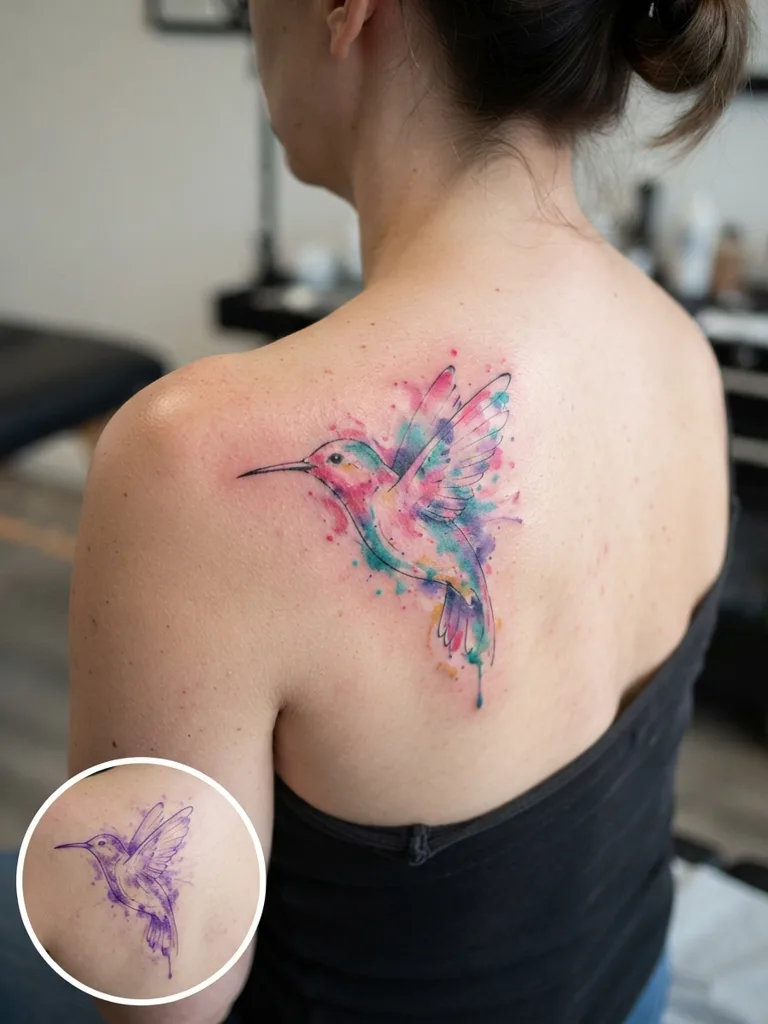
A hummingbird in flight, watercolor tattoo concept, loose turquoise and magenta washes bleeding past the body, a few deliberate splatter marks, no black outline, soft edges fading to white, horizontal composition.Try this prompt
A single poppy with a dark centre, watercolor tattoo concept, saturated red wash at the heart fading outward to pale pink, thin dark stem as the only firm mark, soft irregular petal edges, vertical composition on white.Try this prompt
What drives the time and cost
Time scales with the number of colour passes, not with the size of the drawing. A wash that looks loose and spontaneous is usually several controlled layers. Ask how many colours are planned and whether they all go in on the same day, because that is the question that sets the length of the appointment.
Prices depend on the artist, the city and the piece, so none are quoted here. This is about what makes this style quick or slow, so you can read a quote instead of guessing at one.
How to read a portfolio for this style
Ask specifically for healed photographs, because this is the style where fresh and healed differ most. Look at whether the soft edges are still soft or have gone muddy, and whether the lighter colours are still readable rather than having dropped away from the piece.
Placement and scale
Washes need a margin. The effect depends on colour fading out into bare skin, so a design pressed against the edge of a small area loses the very thing that makes it watercolour. Shoulder, upper arm, thigh and back give the bleed somewhere to go. Avoid placing it where clothing rubs most, and ask your artist which of the lighter colours they would drop at your size.
How it ages
The lightest colours are the least certain. A wash that reads as a pale halo when fresh carries the least ink of anything on the skin, and it is the first part of the piece to become uncertain, while the saturated centres stay. Work that still looks like watercolour years later usually has a quiet structural element underneath, a line or a dark anchor, and that is worth asking for at the design stage rather than adding later.
What follows is about how a drawing is built, not about healing or aftercare. How your skin takes and keeps ink is a question for the artist who will do the work.
Questions before you create
Watercolor with or without outlines?
This is the real decision in this style, more than the colours. Without an outline the piece is pure wash and depends entirely on the colour holding. With a light outline it keeps a readable shape whatever the colour does, at the cost of some of the loose feeling. Many artists will push you toward some structure. That is experience talking, not a lack of nerve.
Does the digital watercolor effect predict the finished tattoo?
No. Screen transparency and brush effects are not skin or ink. Use the concept to explain your color and edge preferences, then ask an artist how they would interpret it. The generated preview cannot guarantee the appearance of fresh or healed work.
Can I take the generated image straight to a tattoo appointment?
Use it as a conversation reference. An artist needs to review the drawing, adapt it to your body and intended size, and decide how to translate its lines and shading into tattoo work. A generated image is not a guarantee of a workable stencil or healed result.
Does opening the generator start a paid generation?
No. The link selects this style, and the prompt link also fills in the example text. You can edit both before choosing Generate. The generator shows the selected model and credit cost; normal sign-in and credit requirements still apply.
AI Tattoo produces design concepts, not tattoo-ready instructions. Review line spacing, placement, scale and practical execution with a tattoo artist before committing to a design.